Need to stay away from Facebook to get work done?
Freedom makes it easy to block Facebook on all your devices.
Just follow these three steps and Freedom will keep you off Facebook so you can be more productive

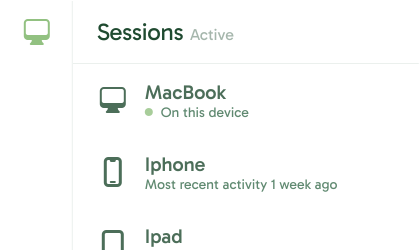




Take back your focus by blocking Facebook on an iPhone or iPad or all your devices. Whether for work, study, or simply peace of mind, Freedom helps you stay distraction-free with just a few clicks.
Download and install the Freedom app on your iPhone or iPad. If you don't already have an account, just create one at Freedom.to after you’ve installed the app.
.svg)
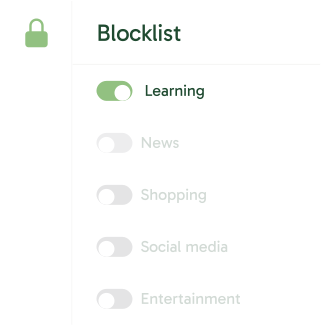
On the Freedom Dashboard, add Facebook to your blocklist.
.png)
With your blocklist created, you now can decide when to block Facebook. Confirm by starting or scheduling the session.

Go do things that matter most to you.


Think of Freedom as your personal productivity coach. Here’s why you’ll love it: