Unblock your college years
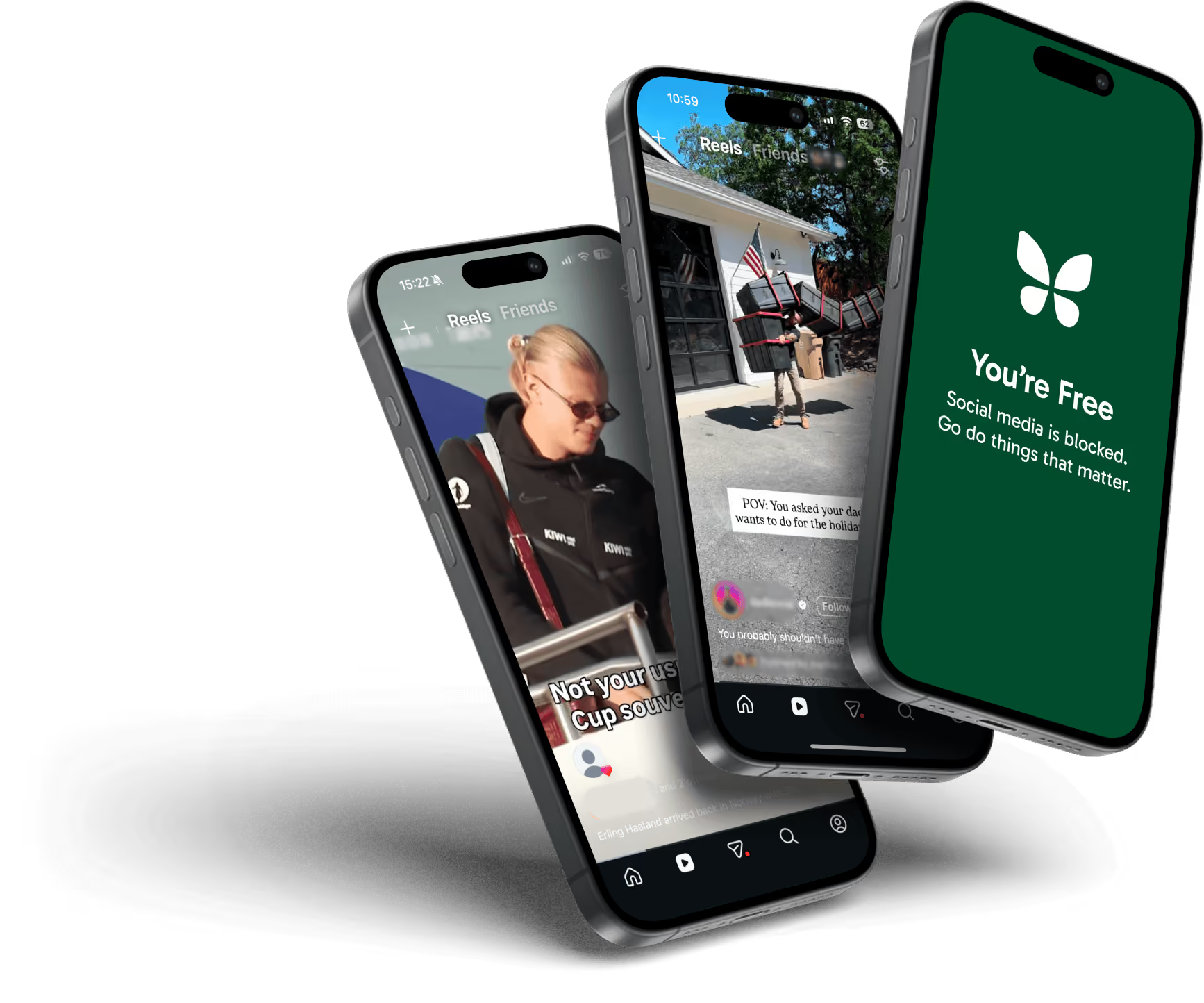
Your attention belongs to you. Freedom blocks the apps & websites that are built to steal your attention. Be more focused and productive, every day.
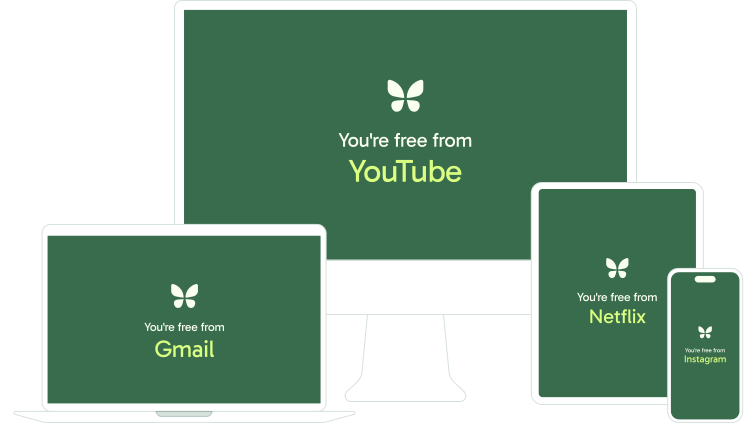
Works on iPhone, Mac, Android, Windows, Chromebook and Linux.
As seen in








Your phone was built to keep you scrolling.
Freedom is built to give you your time back.
No streaks to keep alive and no guilt trip when you skip a day. You choose what to block and when.
Made for college life
Lock in for better studying
How about 3 hours of distraction-free studying? Block TikTok, Instagram and YouTube (or whatever distracts you) on weeknights and see how your schoolwork improves.
Stop distractions at any source
Start a Freedom session before you begin studying. Freedom blocks distractions on your phone and laptop at once, so you can't just switch devices when the urge to scroll gets stronger.
More time for friends and sleep
Block social feeds so you're not checking your phone at the dinner table or scrolling in bed at 1am.
Brought to you with EVA
EVA (Educating for the Virtues of Attention) is a UNC initiative that helps students and faculty build better attention habits, through programs like Carolina Unplugged and the Deep Reading Club. We're glad to support their work. Learn about EVA
Do your own thinking
AI can be incredibly useful, but it's also very easy to become dependent on it and temporarily lose some of your thinking, writing, and communication skills.
Freedom's AI blocklist blocks the major chatbots, AI browsers and companion apps in one tap, for the times you want to think for yourself. Turn it off when you're done.
Helping students focus since 2011
Freedom was born at UNC. Our founder, while working on his PhD dissertation, built Freedom as a tool to help him maintain control of his attention. Today, millions of people around the world use Freedom to lead happier, healthier, and more productive lives.
Your student discount
Pick a plan and enter your code at checkout.
Premium Yearly
50% off your first yearAll of Premium for the school year, for less than two dollars a month.
Everything in Free, plus
- Scheduling. Sessions start automatically.
- Recurring sessions. Schedule focus throughout the week.
- Advance sessions. Schedule focus for later today.
- Locked Mode. Prevents quitting so you stay committed.
- Unlimited sessions. 2+ hours for extended periods of focus.
- Premium Perks. Discounts on top productivity tools.
Premium Forever
60% off, one-time purchase (no subscription)Pay once and keep Premium through graduation and long after.
All of Premium, for life
- Scheduling. Sessions start automatically.
- Recurring sessions. Schedule focus throughout the week.
- Advance sessions. Schedule focus for later today.
- Locked Mode. Prevents quitting so you stay committed.
- Unlimited sessions. 2+ hours for extended periods of focus.
- Premium Perks. Discounts on top productivity tools.
Want to try it first? The free plan blocks across all your devices too. Start for free
What you get with Premium
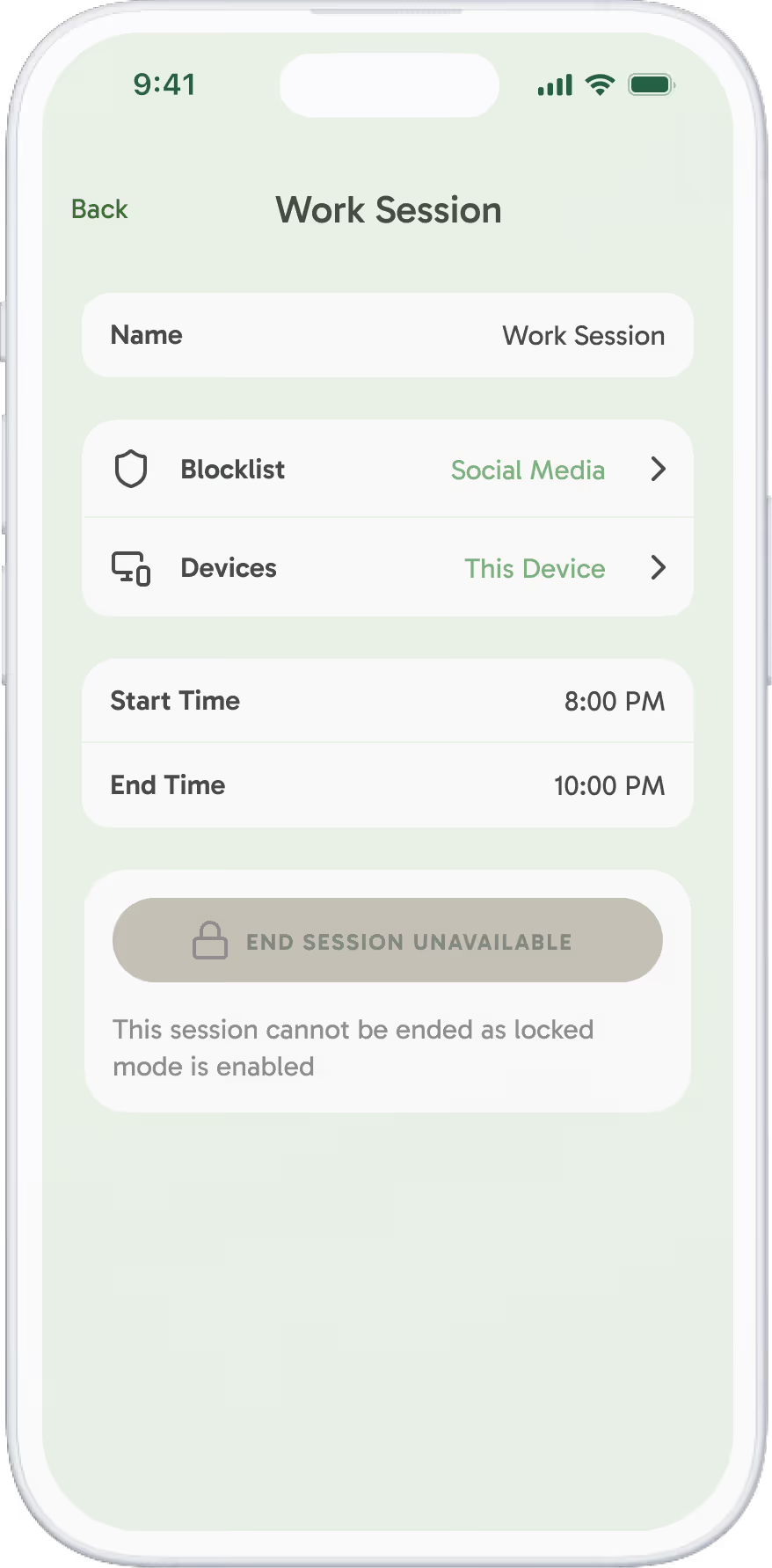

Locked Mode
For the nights you know you'll try to cheat. A locked session can't be ended early.
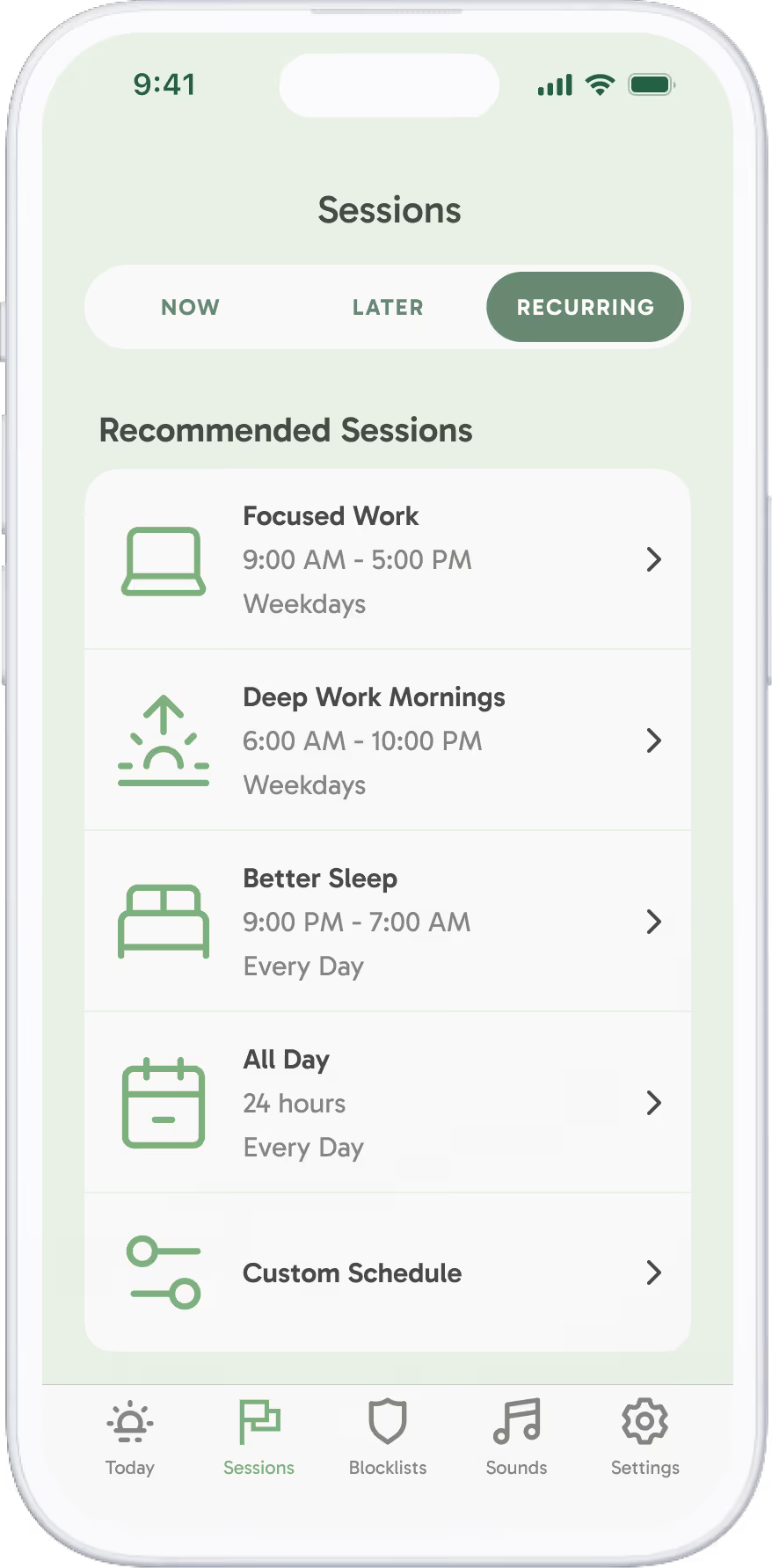

Recurring schedules
Set a study block for every Tuesday and Thursday afternoon once, and Freedom runs it all semester.
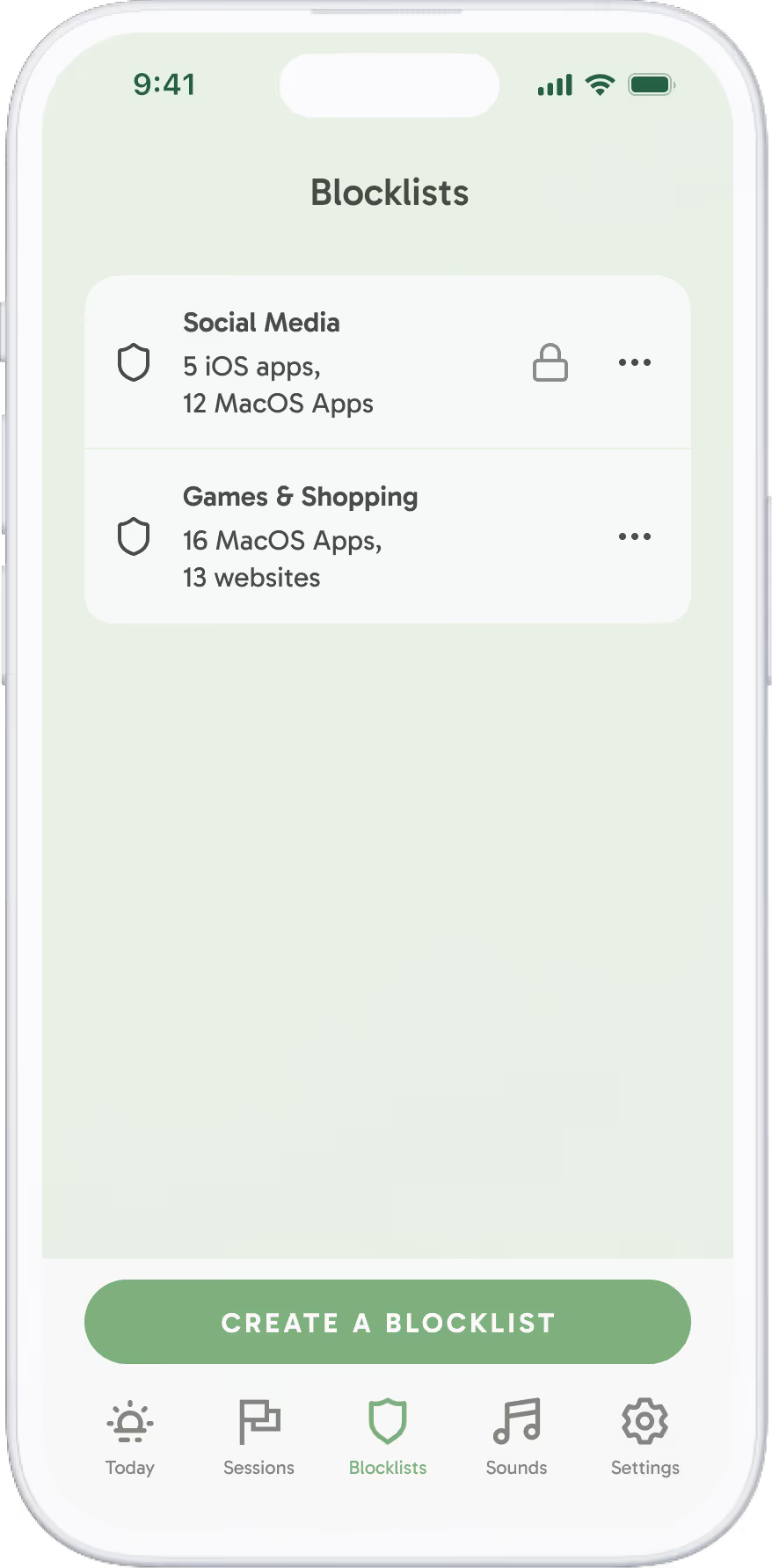

Custom blocklists
Keep Canvas and your email open while Instagram and YouTube stay blocked, or block everything except the sites you need.
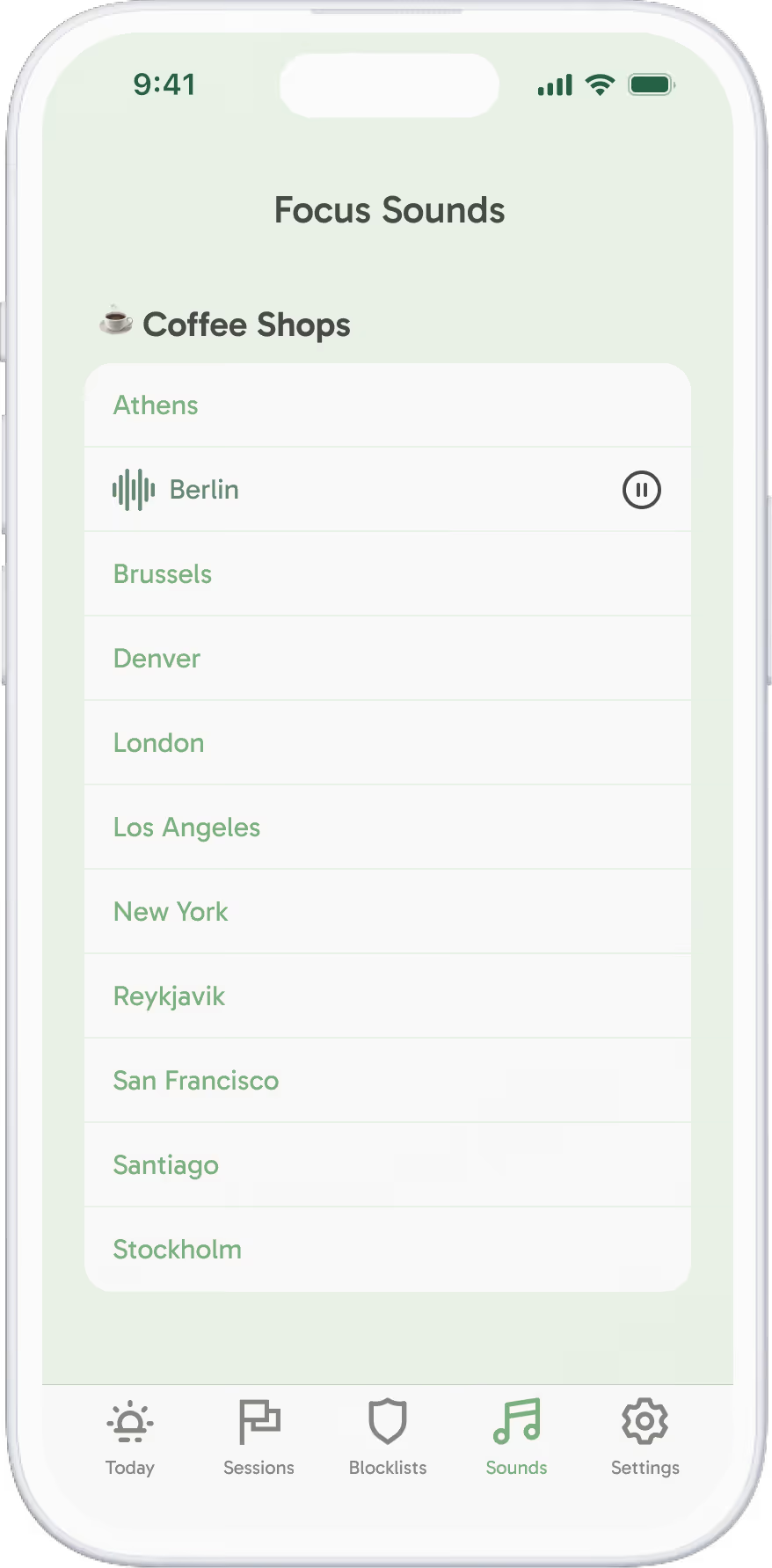

Focus sounds
Café, library and nature sounds, plus focus music from Brain.fm, for when the dorm is loud.
What the research says
A science-backed tool for better focus

In a 2025 randomized controlled trial, two weeks of blocking mobile internet with Freedom improved sustained attention by an amount comparable to reversing 10 years of age-related decline.
Read the studyFreedom has also been used in independent research at Carnegie Mellon, Microsoft Research and the University of Waterloo.



 MacOS
MacOS Windows
 iOS
iOS Android
 Chromebook
 Linux
Linux